Your website doesn't have to be redesigned to create a better customer experience.
When I review websites for small businesses, I almost never find one major problem.
Instead, I find lots of little moments that make visitors hesitate.
None of these issues seem like a big deal on their own.
But together, they can be the difference between someone becoming a customer or leaving your website altogether.
Today I'm sharing five of my favorite 60-minute UX wins that almost any business owner can tackle this afternoon.
If you're like most business owners, you built your website on a laptop.
Your customers probably aren't looking at it that way.
More than 60% of all website traffic now comes from mobile devices, yet many business owners still only review their websites on a desktop computer. If your customers are primarily visiting on their phones, your mobile experience deserves just as much attention as your desktop one.
Open your website on your phone and ask yourself:
Better yet, hand your phone to a friend who has never visited your website before and ask them to complete a simple task. You'll probably notice things you've stopped seeing.
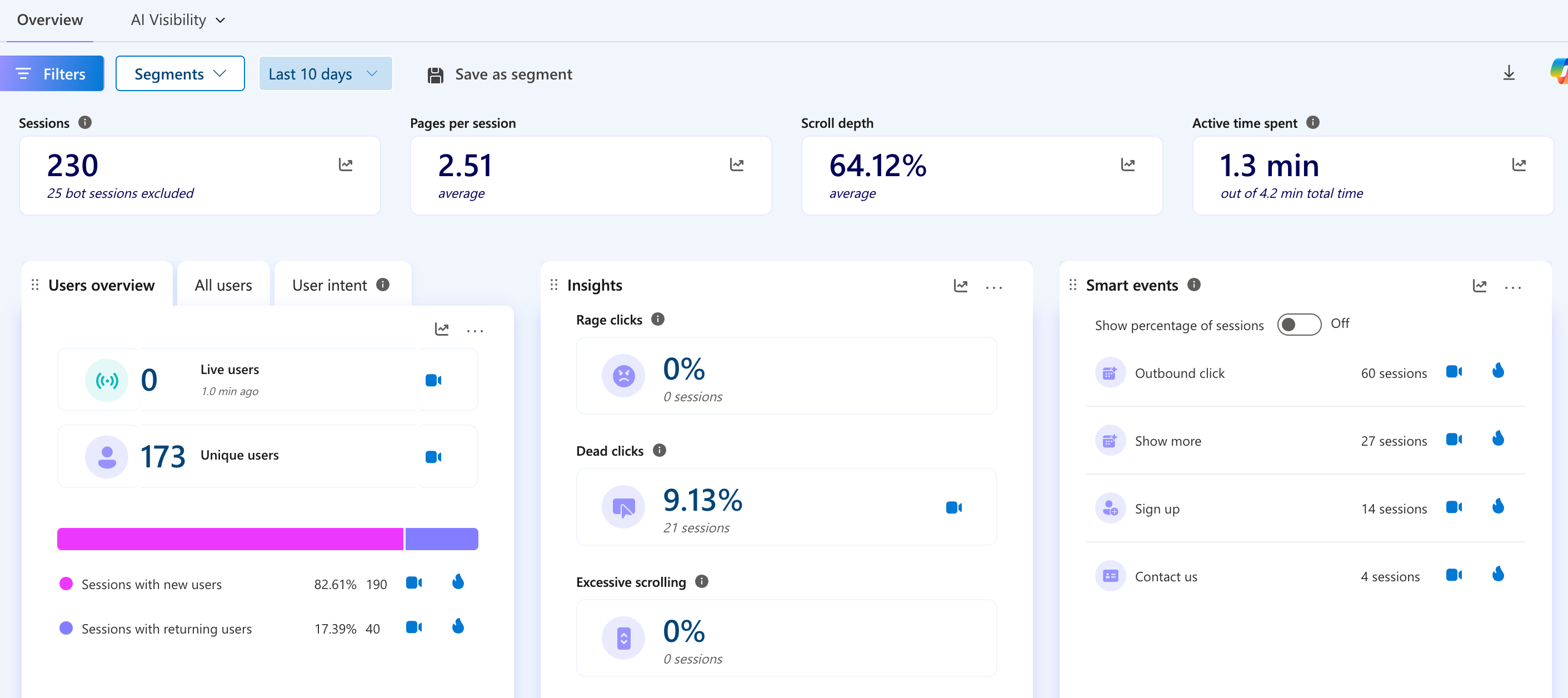
If I could recommend one free marketing tool to almost every small business, it would probably be Microsoft Clarity.
Think of it as security camera footage for your website.
Instead of guessing where people get confused, you can actually watch anonymous recordings of real visitors using your website.
You'll start noticing patterns like:
You also get heat maps showing exactly where visitors click, scroll, and spend their time.
It's free, takes just a few minutes to install, and can completely change how you think about your website.
This sounds almost too simple.
It's also one of the most common issues I find.
Go through your website page by page and click every:
Does everything go where it's supposed to?
Broken links create frustration and instantly reduce trust. Even if someone doesn't consciously think, "This website isn't maintained," that's often the impression they're left with.
While you're at it, check that external links open the right pages and make sure old promotions or expired events aren't still hanging around.
One of the biggest UX mistakes I see is assuming visitors already know what to do next.
They usually don't.
Every important page should answer one simple question:
"What should I do now?"
Maybe that's:
If someone reaches the bottom of a page without an obvious next step, you've probably missed an opportunity.
You don't need a giant flashing button.
Sometimes a simple sentence with a well-placed link is enough to keep someone moving through your website.
Here's a quick exercise I love.
Pretend you're a brand-new customer.
Start on your homepage.
Now count how many clicks it takes to complete the action you want people to take most.
Maybe that's:
If it takes six, seven, or eight clicks before someone can actually take action, there's probably room to simplify the journey.
Every extra decision creates another opportunity for someone to leave.
Good user experience isn't about adding more.
It's about removing unnecessary friction.
The best websites aren't always the prettiest.
They're the easiest to use.
Every small improvement makes it a little easier for someone to trust your business, find what they're looking for, and become a customer.
You don't have to redesign your entire website to create a better experience. Sometimes the biggest improvements come from spending an hour fixing the little things that have quietly accumulated over time.
If you work through even a few of these updates, I'd love to hear what you discover. And if you get stuck, that's okay too. My goal with this series is to make marketing feel a little less overwhelming and a lot more approachable.
Here's to helping bold brands grow. 🌿
Make it easier for visitors to navigate, trust, and take action.
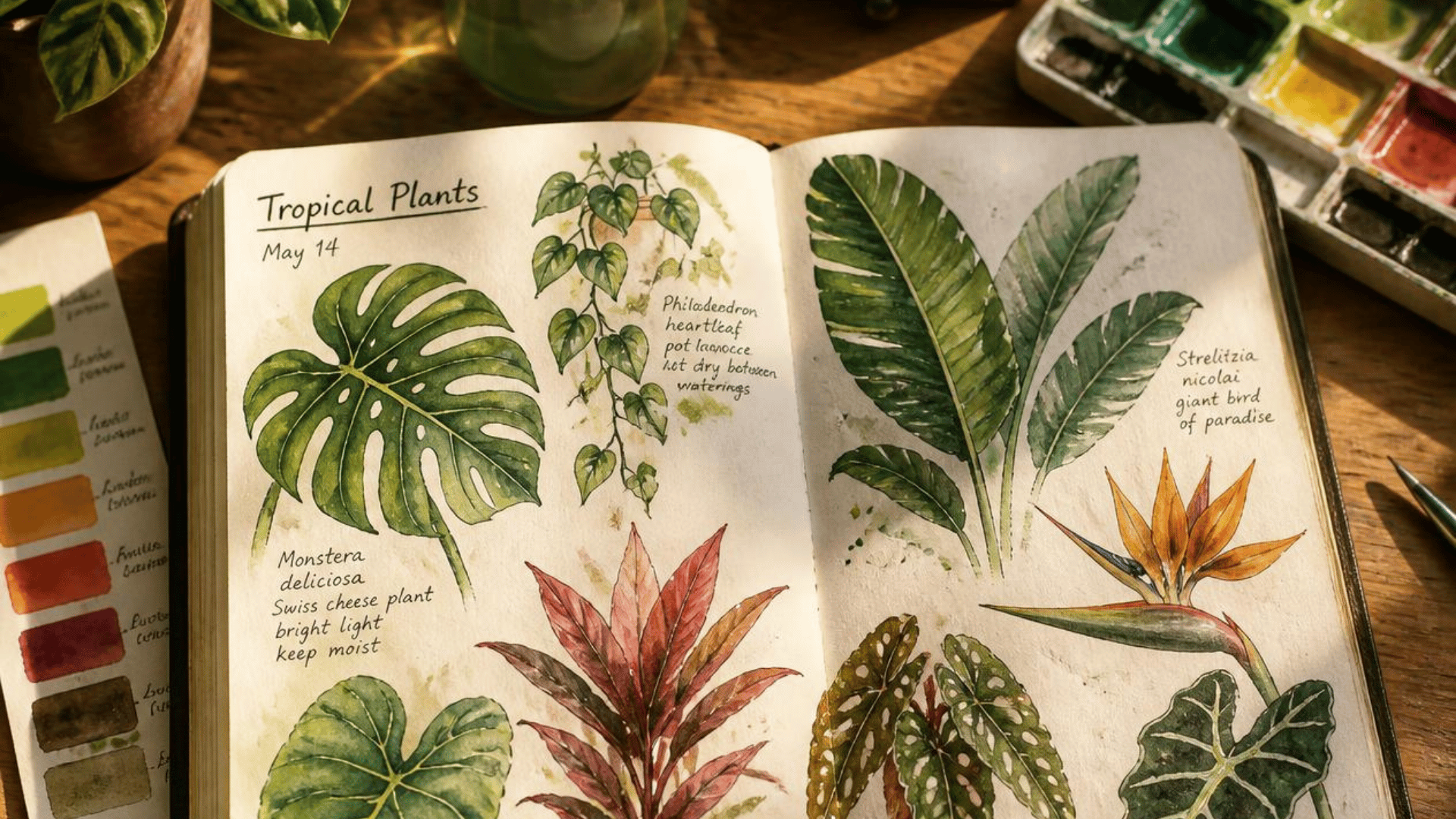
AI has become one of my favorite business tools. Here's a behind-the-scenes look at how I use it to brainstorm, build strategies, stay organized, and better serve my clients.
Read Now
A personal note from founder Holly Freed about building a marketing consultancy rooted in practical advice, long-term partnerships, and helping bold brands grow.
Read Now
Improve your website's user experience in just 60 minutes with five practical updates that make it easier for customers to navigate, trust, and take action.
Read Now